
Choosing an IT provider is one of the most critical decisions you will make for your business. The right partner can be a force multiplier, driving growth and security. The wrong one can leave you exposed to downtime, data breaches, and costly “near misses.”
Many business owners treat this decision like any other purchase, comparing quotes and often defaulting to the cheapest option. As I explain throughout my book, Near Miss, this approach is fundamentally flawed. A truly competent IT provider is not a commodity; they are a strategic partner.
So, how do you tell the difference? Here are five essential things to look for in a competent IT provider, drawn directly from the principles of building a secure and resilient business.
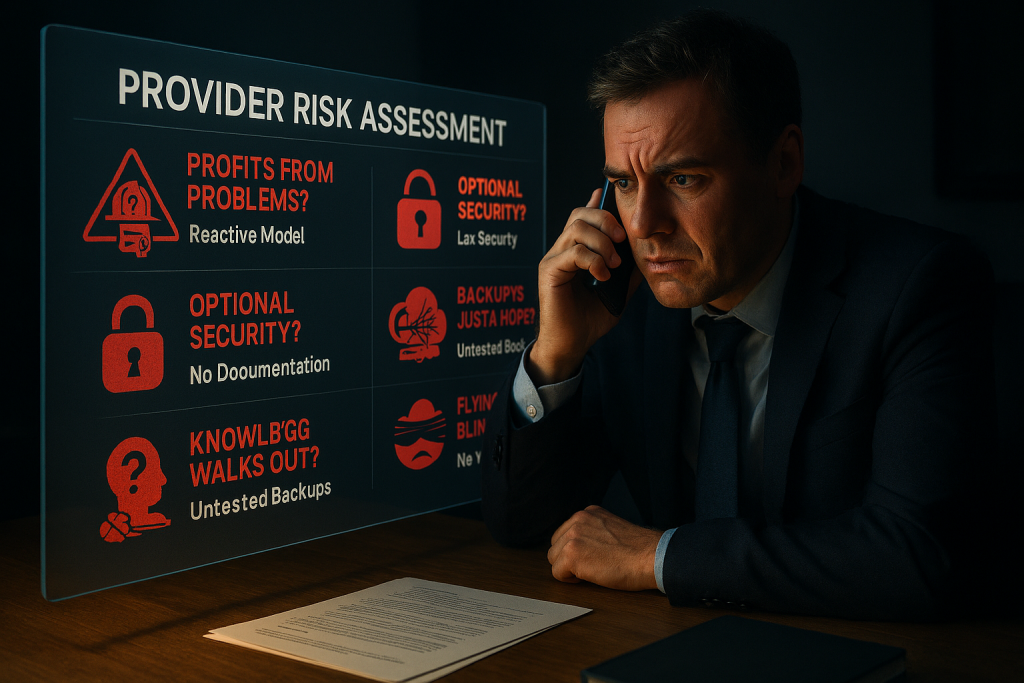
1. They Prioritize Strategy Over Firefighting
A reactive IT provider makes money when your systems break. Their business model is inherently tied to your downtime. This creates an adversarial relationship where they are always putting out fires instead of preventing them.
A competent provider, typically a true Managed Service Provider (MSP), flips this model. Their goal is to keep your systems running smoothly because their success is aligned with your uptime.
What to look for:
- They talk about building a “technology roadmap” that aligns with your business goals.
- They schedule regular strategic meetings to discuss your future needs, not just current problems.
- They operate on a predictable, flat-fee model that incentivizes prevention, not just reaction.
Red Flag: Their primary business model is hourly billing. As I discuss in Chapter 4 of Near Miss, this incentivizes them to profit from your problems, not prevent them.
2. They Take Security Seriously (Beyond Just Antivirus)
In today’s threat landscape, basic antivirus software is like leaving your front door unlocked. A competent IT provider understands that security must be layered, starting from where the internet enters your building and extending to every user.
What to look for:
- They insist on a business-grade, managed firewall with an active support contract (Chapter 6).
- They implement and manage secure DNS filtering to block malicious websites (Chapter 9).
- They enforce Multi-Factor Authentication (MFA) on all critical accounts, especially email, to protect your digital identities (Chapter 10).
Red Flag: They say the security tools built into the operating system are “good enough” for business use, or they let MFA remain optional for your users.
3. They Obsess Over Documentation
Here is a question that reveals a massive risk: what happens if your main IT contact is unavailable tomorrow? If your network passwords, configurations, and procedures only exist in one person’s head, your business is incredibly fragile.
A competent provider understands that, as I state in Chapter 2, “You are only as good as your documentation.”
What to look for:
- They use a secure, centralized documentation system to store your critical IT information.
- They can clearly answer who has access to this information and how it is protected.
- They have a clear process for keeping documentation updated as your environment changes.
Red Flag: When asked about documentation, they are vague or dismissive. This suggests that crucial knowledge is not being recorded, putting your business at risk if that person leaves.
4. They Talk About Business Continuity, Not Just Backup
Having a backup is not the same as having a plan. As I detail in Chapter 8 of Near Miss, many providers set up backups but never test them. You only discover they do not work during a real disaster, which is the worst possible time.
A competent provider focuses on Business Continuity: the ability to keep your business operating through a crisis.
What to look for:
- They regularly test backups and can provide verification that data can be restored.
- They have a clear plan for different disaster scenarios, like a server failure or a ransomware attack.
- They can explain your Recovery Time Objective (RTO), which is how quickly you can get back up and running after a disaster.
Red Flag: They cannot provide proof of a successful test restoration or give you a clear timeline for recovery. An untested backup is just a hope, not a strategy.
5. They Have Full Network Visibility
You cannot protect what you cannot see. A reactive provider often has no idea what is happening on your network until something breaks. They lack the tools to see unauthorized devices, failing hardware, or security vulnerabilities proactively.
A competent provider invests in tools that give them full network visibility.
What to look for:
- They use “managed” network switches and wireless access points that can be monitored remotely (Chapter 5).
- They can provide a current map of your network and tell you what devices are connected at any time.
- They track the lifecycle of your equipment to advise you when hardware is becoming a security risk because it is no longer supported by the manufacturer.
Red Flag: Your office is running on unmanaged, consumer-grade network gear, or your provider cannot tell you what devices are currently connected to your network.
Choosing a provider is a long-term strategic decision. Use these five points as your guide to find a true partner who will help you avoid “near misses” and build a more secure, productive, and profitable business.
This post is adapted from core themes in the book Near Miss: Preventable IT Failures Threatening Your Business Security. Get your copy to learn how to fully evaluate your IT environment and partnerships.
